Your Apple TV remote,
in your Mac's menu bar.
Lost the remote down the sofa again? Couch lets you play, pause, skip, change the volume, open apps and type on your Apple TV, without leaving your Mac.
Version 1.0 · macOS 26 or later · Apple silicon · 3-day free trial
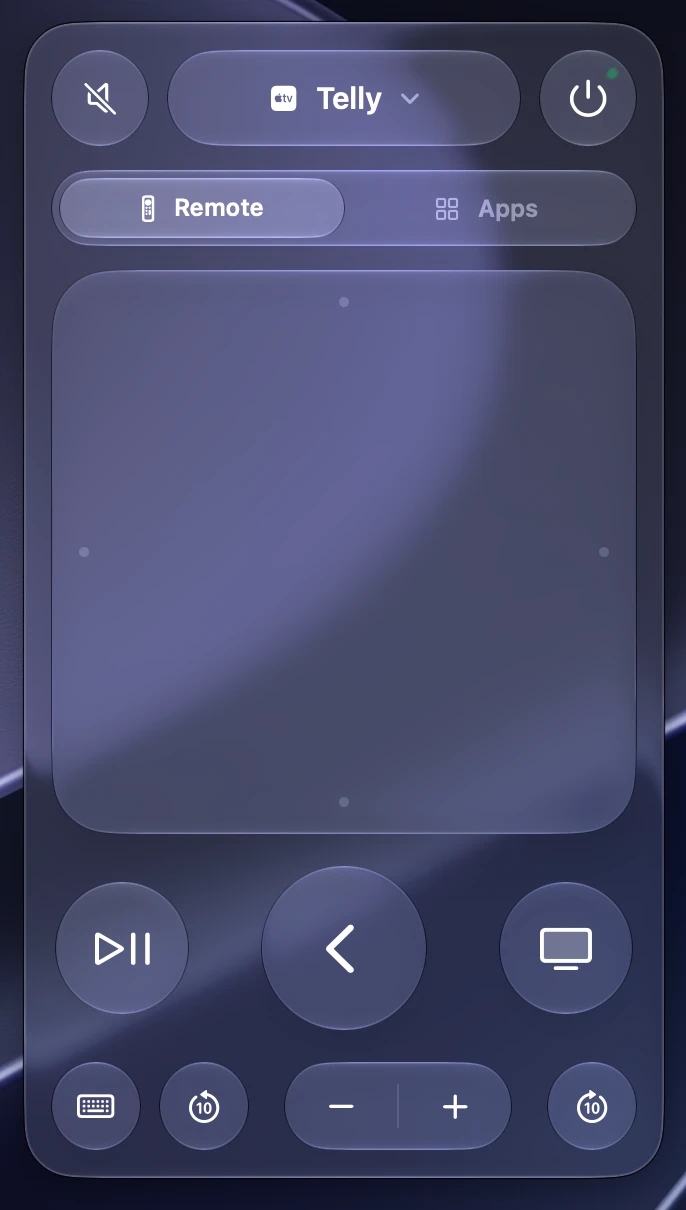
Everything the remote does. Plus a keyboard.
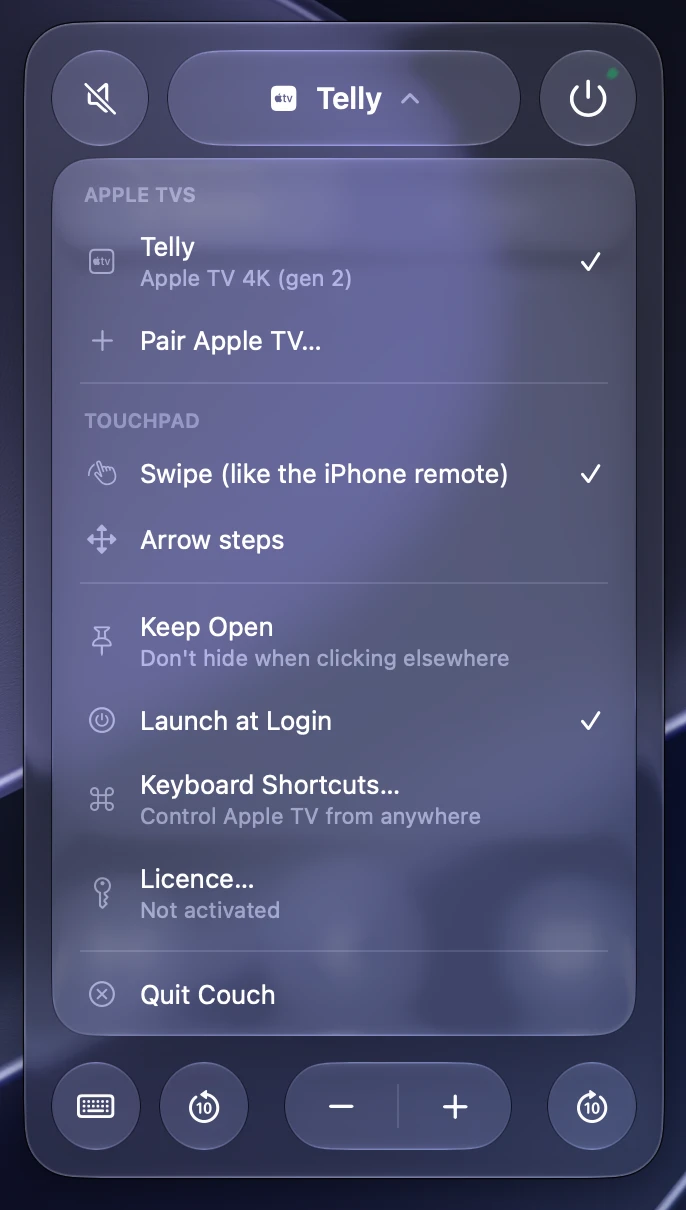
Couch talks to your Apple TV over your home network, the same way your iPhone's remote does. Pair it once with the code on your TV and it's there whenever you click the menu bar.
See what's playing
Title, artwork and progress for whatever's on the TV, with 10-second skips either way. YouTube videos get their proper thumbnails.
Your Mac's media keys
Play/pause and skip on your keyboard control the TV while it's playing, and so do your AirPods and Control Center. Volume keys can too.
TV volume
Turn the TV or soundbar up, down or off, when your Apple TV controls its volume over HDMI.
Open any app
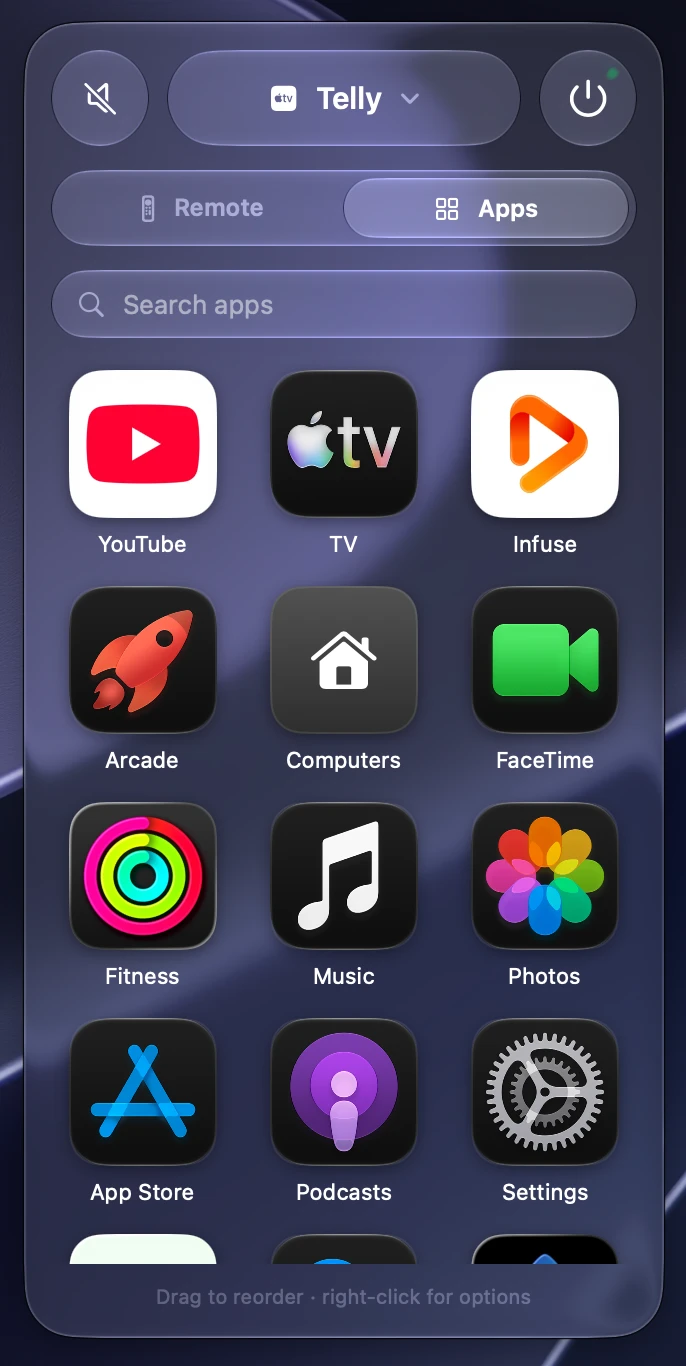
All your Apple TV apps in a grid. Search them, drag them into your own order, and click to open.
Type with a real keyboard
Searching for a show or signing in? Type on your Mac instead of hunting letter by letter with a remote.
Keyboard shortcuts
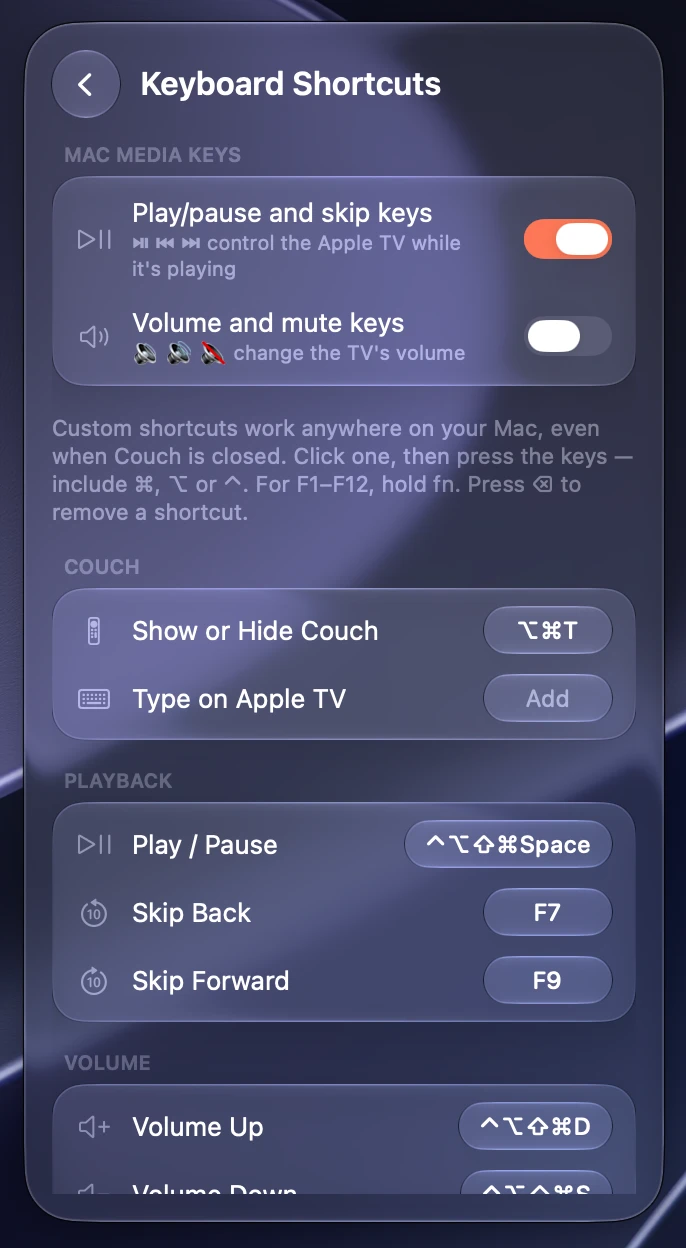
Arrow keys, Return and Esc work like the remote. Set global shortcuts to control the TV from any app.
One price. No subscription.
- Use it on up to 3 of your Macs
- Free 3-day trial, nothing locked
- Free updates for version 1
- 14-day refund, no questions asked
Payments are handled by Lemon Squeezy, who also handle sales tax and VAT. Your licence key arrives by email.
Questions
What do I need?
A Mac with Apple silicon running macOS 26 or later, and an Apple TV 4K or Apple TV HD on the same network as your Mac.
How do I set it up?
Open the downloaded file and drag Couch to Applications. The first time you open it, choose your Apple TV and enter the code it shows on the TV. That's it.
Why can't Couch change my TV's volume?
Couch changes the volume the same way the Siri Remote does, so it works when your Apple TV is set up to control your TV or soundbar over HDMI-CEC or eARC. If the Siri Remote can't change your volume, Couch can't either.
Does it need any special permissions?
Only if you want your Mac's volume keys to control the TV. macOS asks you to allow Couch in Accessibility for that. Everything else works without it, including the play/pause and skip keys.
What happens when the trial ends?
Couch asks for a licence key. Enter the one from your purchase email and it carries on exactly as before.
Can I move my licence to a new Mac?
Yes. Each licence works on 3 Macs at once. To free one up, open Couch on the old Mac, choose Licence… and click Remove from This Mac.
Does Couch collect any data?
No analytics and no account. Couch talks to your Apple TV on your own network, checks your licence key with Lemon Squeezy, and looks up YouTube thumbnails. The privacy policy has the details.
Is Couch made by Apple?
No. Couch is an independent app and isn't affiliated with or endorsed by Apple.